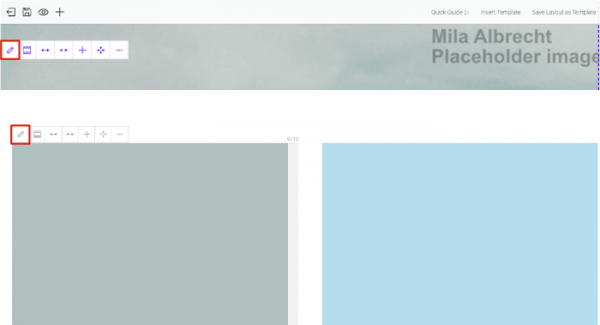
It’s driving me nuts. Where do these images in the full screen theme come from? Why is this not explained anywhere? If I right click and check the name of the file I can find these images in the library, but I can’t for the life of me find any single place in the entire theme where these images are being used? Where is the place where these images are being selected to show up there? How can I replace these placeholder images with my own images?
It’s incredibly frustrating that this isn’t explained anywhere.

I’m talking abut the beige and green squares. Where do these images get chosen to show up on the front page? Where can I replace these images with different pictures?
.

 WordPress Customization Service from