Hi Team,
I have Poppins font all over my website and recently it started behaving weirdly. The titles (specifically Post titles and Portfolio List – Title for Item), set to 900, are shown as 900 only in Safari and only on desktop. On other browsers and on mobile they appear as regular or 6oo (not quite sure, but however much thinner). I tried to update Google font data, delete the font from my Mac (read on the internet this might be a solution) but neither helps. Any advice would be much appreciated.
Thank you very much in advance!
Regards,
Irina
Solutions:
Normally, there are 3 steps to add the Google fonts:
- Go to Google fonts website to find a font
- Embed a font, copy the code before the </head> of your HTML:
<link href="https://fonts.googleapis.com/css2?family=Poppins:wght@500&display=swap" rel="stylesheet">
- Write the CSS:
p { font-family: 'Poppins', sans-serif; }
If the font doesn’t work still, please check these things:
- If there is weight option in the Poppings font URL, like
<link href="https://fonts.googleapis.com/css?family=Poppins:300,400,700" rel="stylesheet">
- Check the Poppings font URL if is
https if your website is set SSL: https://fonts.googleapis.com
- Add
!important for CSS:
p { font-family: 'poppins', sans-serif !important; }
Our ART WordPress Theme supports Google Fonts, Adobe Fonts, Self-hosted Fonts. It does NOT need any coding work.
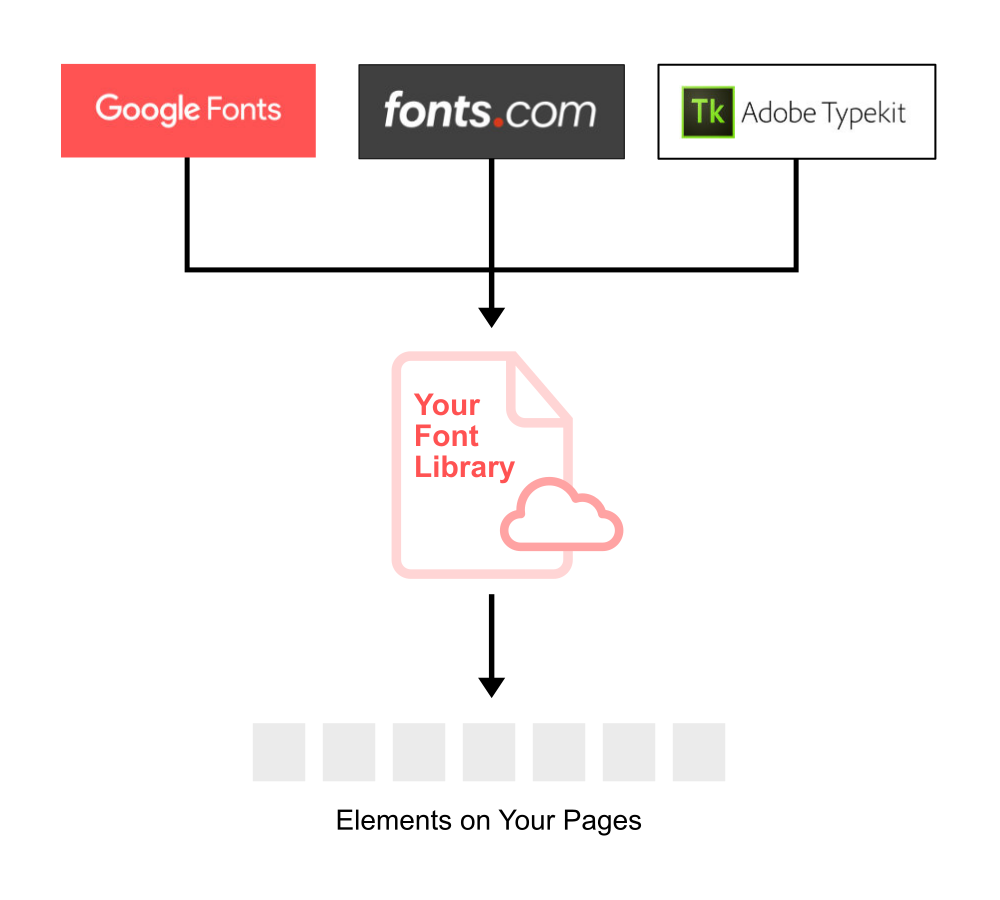
.

 WordPress Customization Service from
