
Home › Forums › Arnold WordPress Theme › Low image quality in slider
- This topic has 6 replies, 2 voices, and was last updated 9 years, 8 months ago by
petergala.
-
AuthorPosts
-
January 20, 2017 at 8:43 pm #11846
Is there any possibility to increase the quality of images in the slider? It looks now the max image width is 1000px. Can I change this parameter? I followed your advice to this similar case, but can’t find any code to change that way.
January 21, 2017 at 4:15 am #11848Hi, which slider you talked? Could you plz paste a page url with the slider? If you talked the BM Slider, it has been set the origin image, you could upload the big image enough.
Cheers!
Bwsm – uiueux.com – Twitter – FacebookJanuary 21, 2017 at 1:24 pm #11857Yes, I ment BM Slider: http://petergala.sk/work/logos/katarina-siposova/
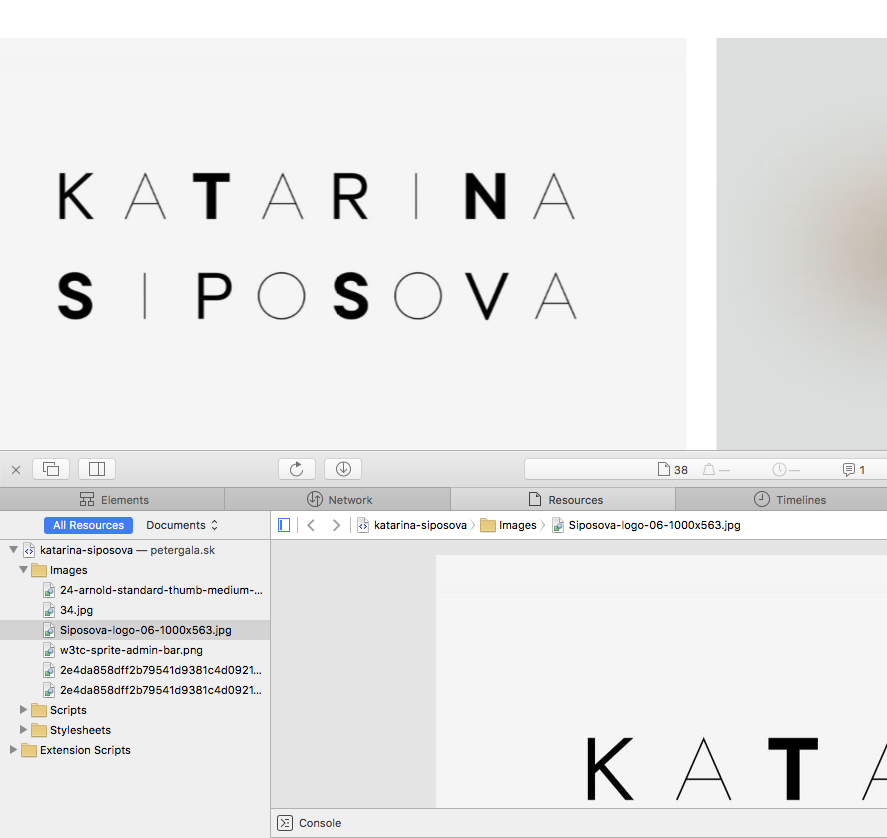
When I use some picture with aspect ratio for example 3:2 or ewen wider (16:9), the image is presented on my screen more wider than 1000px (which is probably the max width for BM Slider). And than is the image quality quite bad.
When I go fullscreen, there is the image perfect (origin image).
January 23, 2017 at 2:38 am #11862Hi,
there is 2 solutions:
1. download and unzip this file, replace this file in theme folder: /themes/arnold/template/gallery/portfolio-slider.php
but if you upgrade theme, the file will be overridden. so I suggest you use solution 22. Install the child theme : download the installable zip file, install and activate it(same as install a normal WordPress theme)
Note:
1) don’t remove the origin Arnold WordPress theme
2) you need re-activate the BM Slider and BM shortcode plugin after activating child themeJanuary 27, 2017 at 3:41 pm #11899Hi,
I tried your booth advices, but behind the first link there is a .zip file I unfortunately can’t unzip. The second advice makes no change by me. When I look in to the inspector, there are still images in size max. 1000 px.
When you look at my post with slider, do you see three images right after the page loading? By me there is empty slider at the beginig however when clicking left / right images come to be visible. But before the first click they are hiden.
January 28, 2017 at 4:42 am #11905Sorry, the 2 files both have issue, I have re-uploaded them.
1. Download https://www.dropbox.com/s/w8f17w4vx4wlyar/arnold-slder-full-portfolio-slider.php.zip?dl=0
and unzip this file, replace this file in theme folder: /themes/arnold/template/gallery/portfolio-slider.php2. Install the child theme : download the installable zip file: https://www.dropbox.com/s/zp3uqon5ealawi6/arnold-child-gallery-slider-full.zip?dl=0
install and activate it(same as install a normal WordPress theme)================
If it still not work, please send your wp-admin(url/user/pass) and FTP via my profile contact form , I’ll log in to check it.January 28, 2017 at 8:44 am #11908Thank you! Now it works well. But there is probably some image layout bug in the child theme, more info in this topic.
-
AuthorPosts

 WordPress Customization Service from
- You must be logged in to reply to this topic.